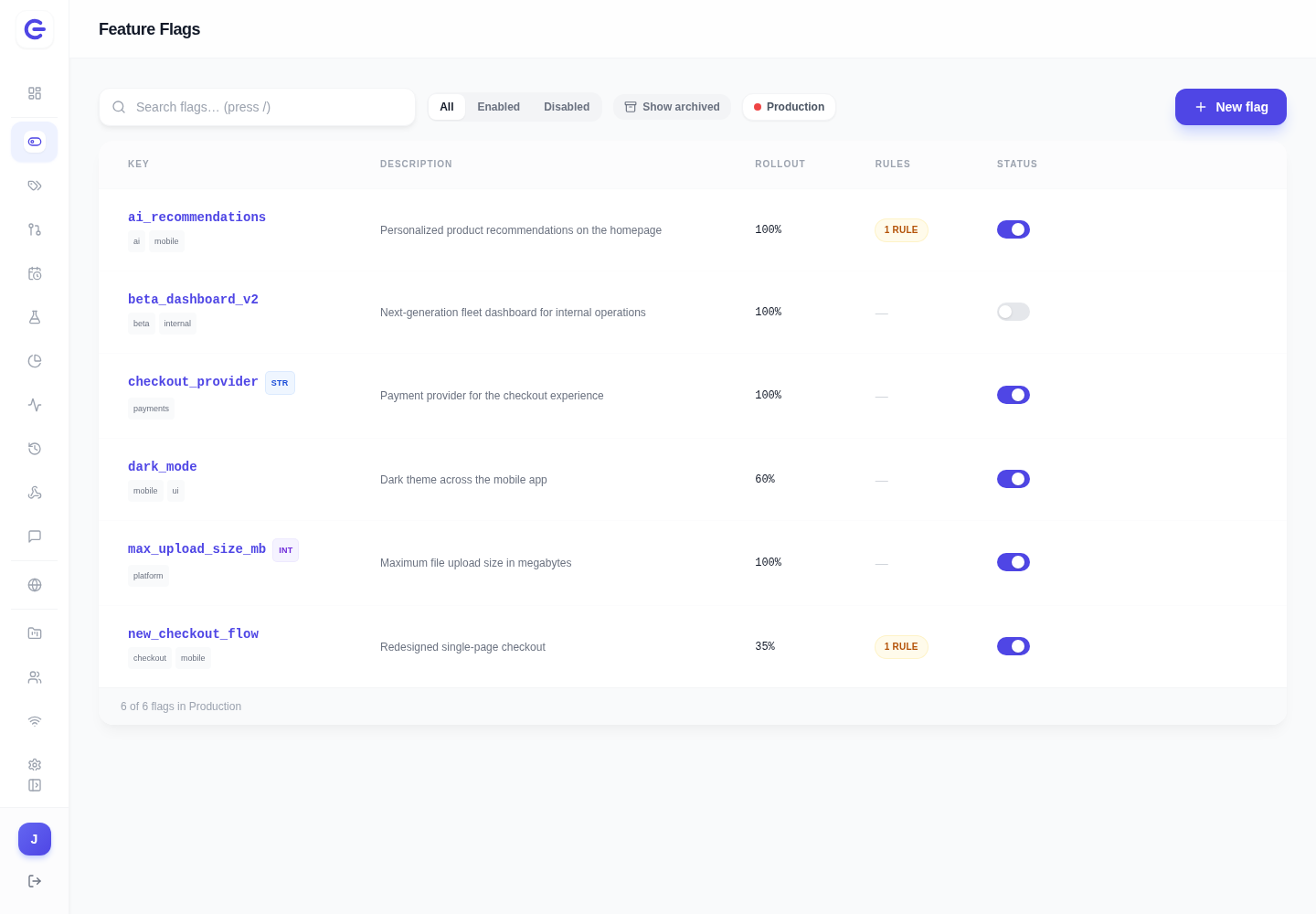
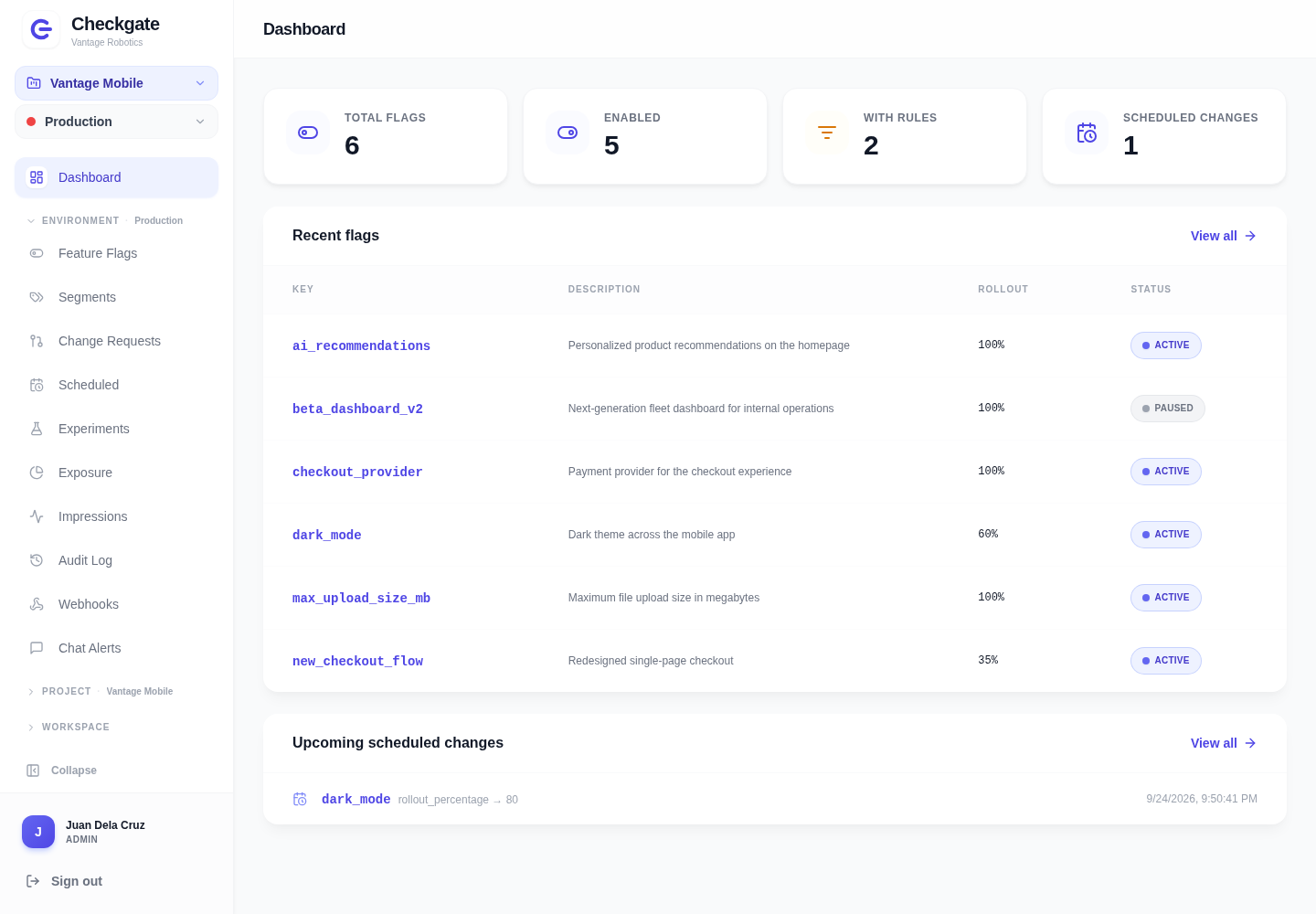
Dashboard
The dashboard uses Checkgate's indigo brand color and gate logo for navigation, actions, and enabled state. Amber highlights pending reviews, while gray marks inactive state. These screenshots use example data for the fictional Vantage Robotics workspace, with Juan Dela Cruz as its administrator.
Overview
See flag counts, rollout status, and scheduled changes for the active environment.
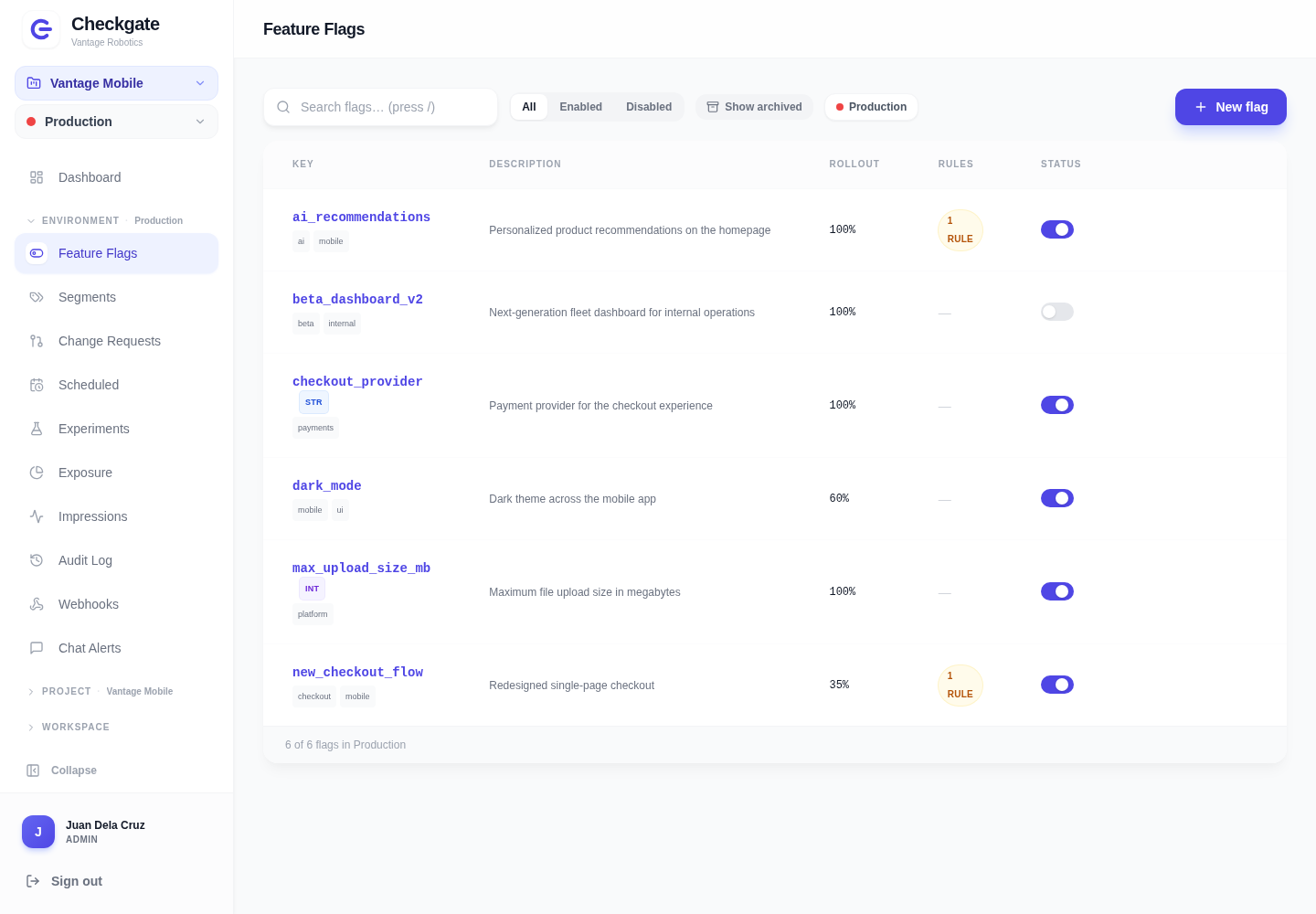
Feature flags
Manage flag types, tags, rollout percentages, and enabled state per environment.
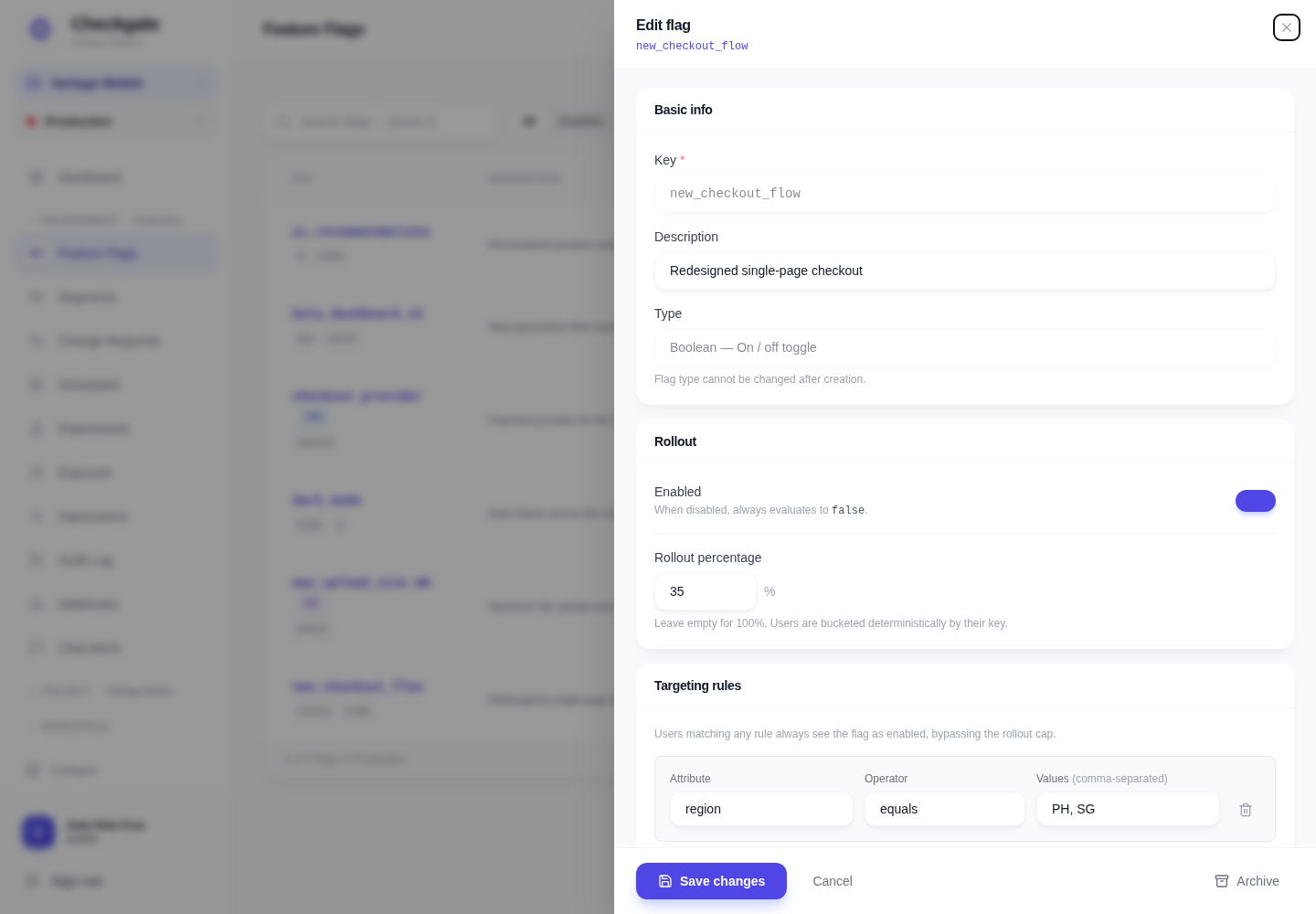
Flag editor
Edit targeting rules, ownership, tags, and prerequisites in the flag panel.
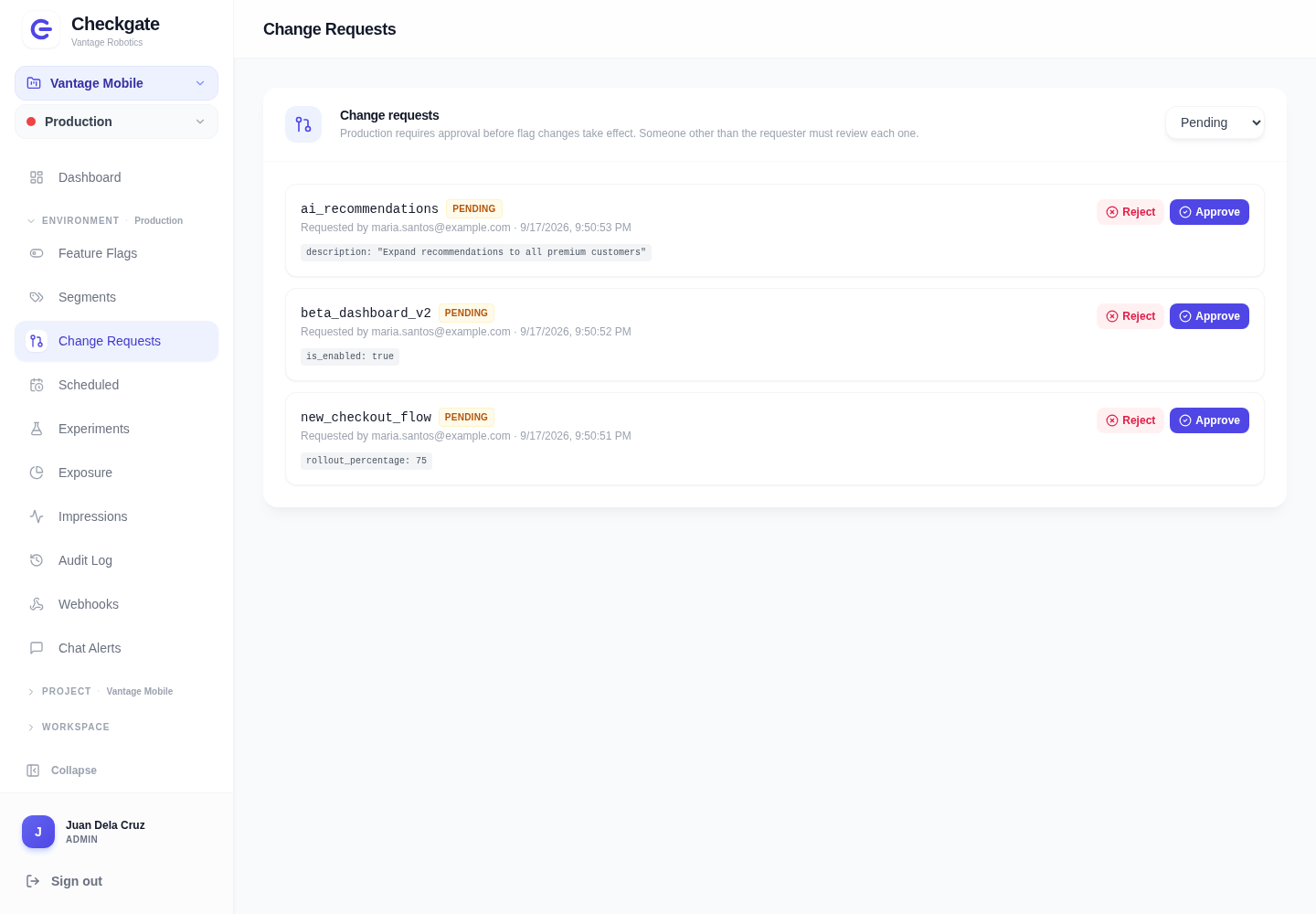
Change requests
Review proposed changes before applying them in environments that require approval. The requester cannot approve their own change.
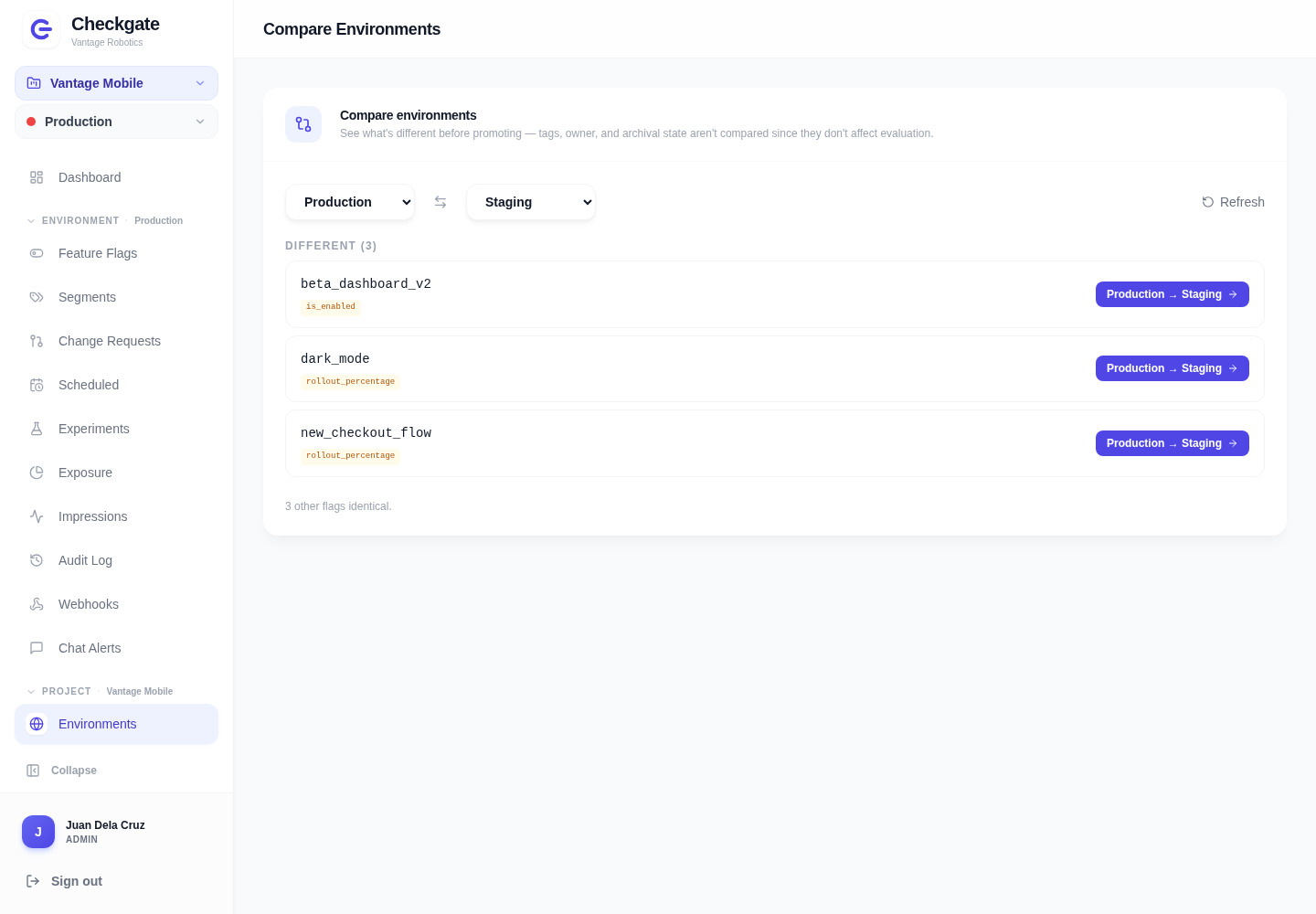
Compare environments
Compare flag configuration across environments before promoting a change.
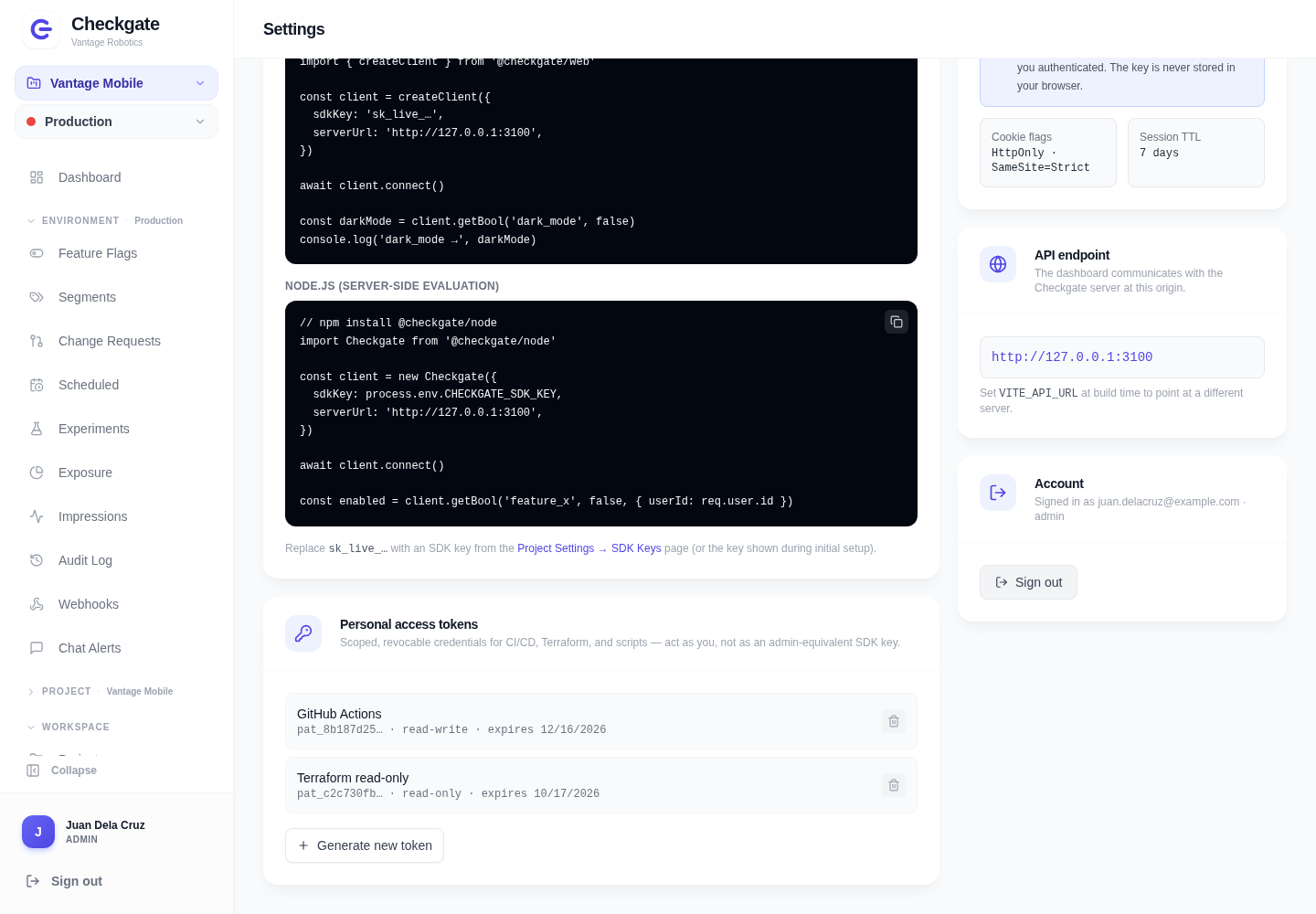
Personal access tokens
Create scoped credentials for CI/CD, Terraform, and scripts from Settings.
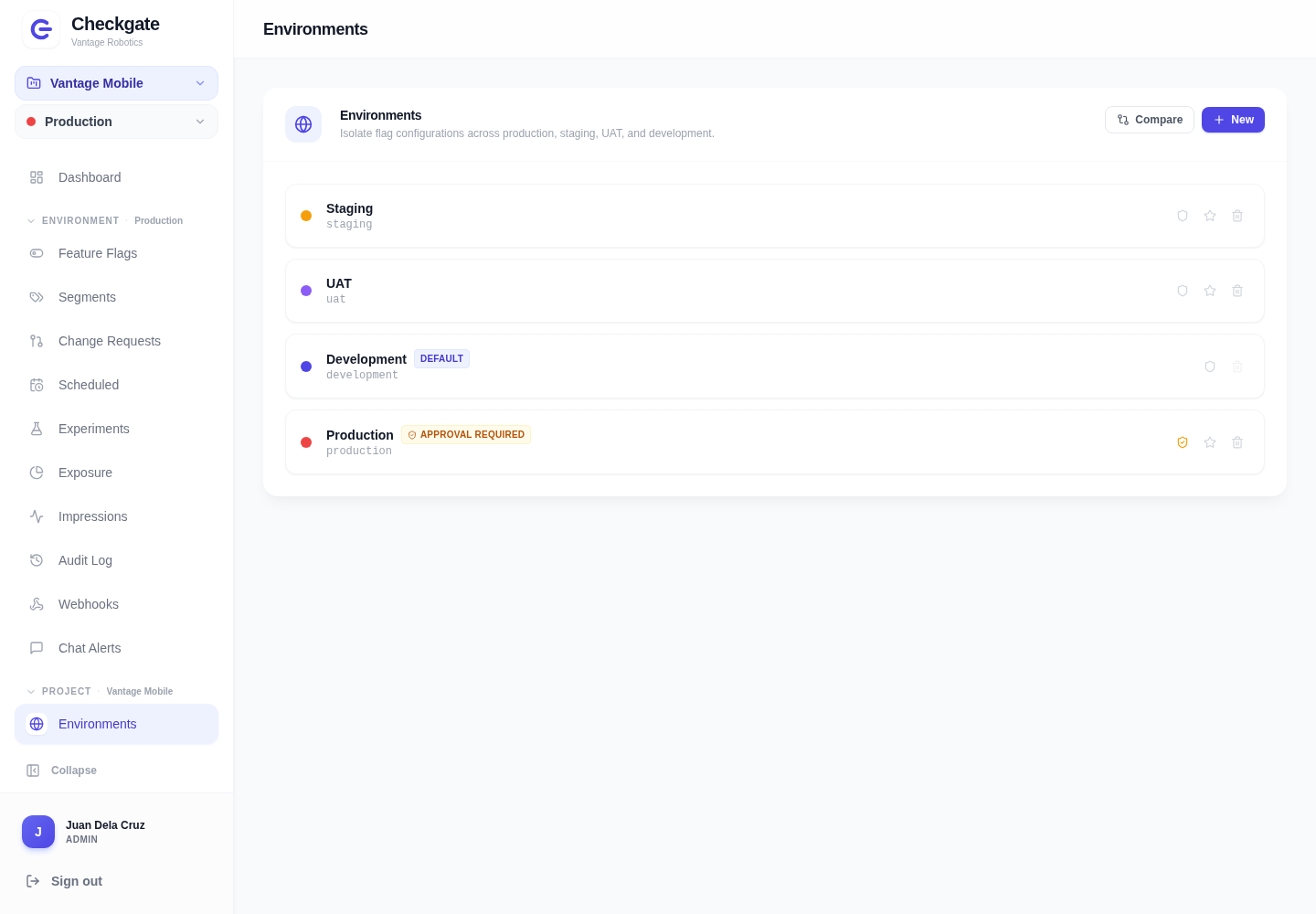
Environments
Keep Production, Staging, UAT, and Development configuration separate, with approval gates where your team needs a review.
Collapsible sidebar
Collapse the sidebar to give tables and flag configuration more space.